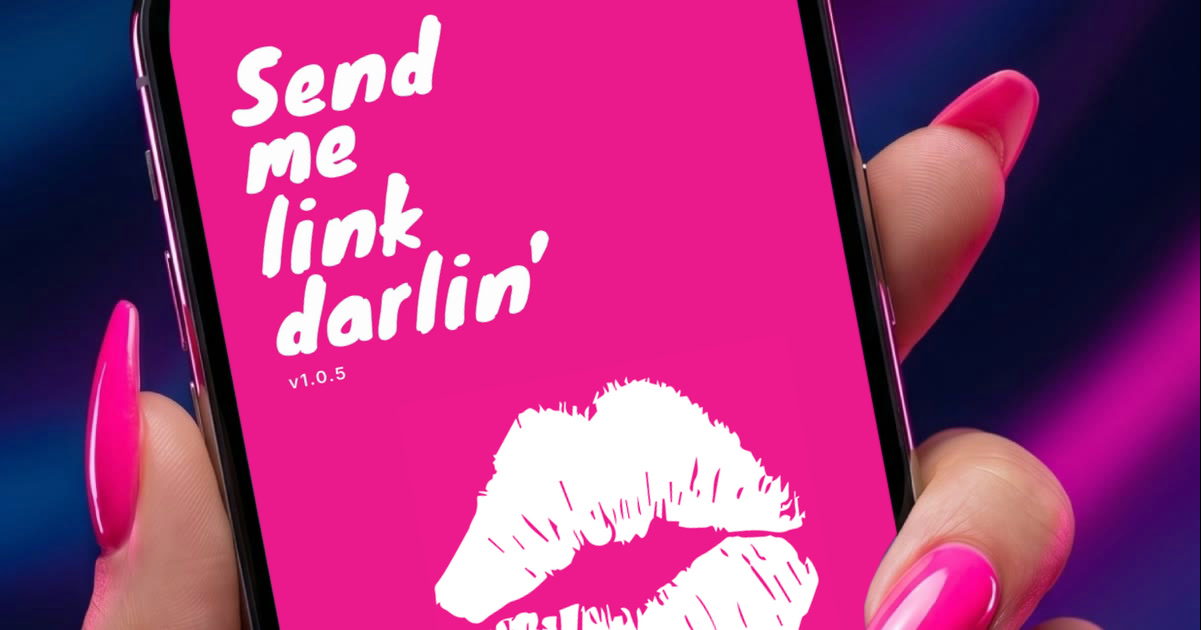
Send me
link darlin'
Point your camera at any screen. Capture links instantly. Share them anywhere.
Point your camera at any screen. Capture links instantly. Share them anywhere.
Coming soon to iOS and Android
Point your camera at any screen. Capture links instantly. Share them anywhere.
It's been a long time since I used them there. But you still find things worth sending: a ridiculous accident story, a good coding thread, plain old football. So I built Smld. Point my phone at the screen, catch the link, and send it to friends from the apps already on my phone.
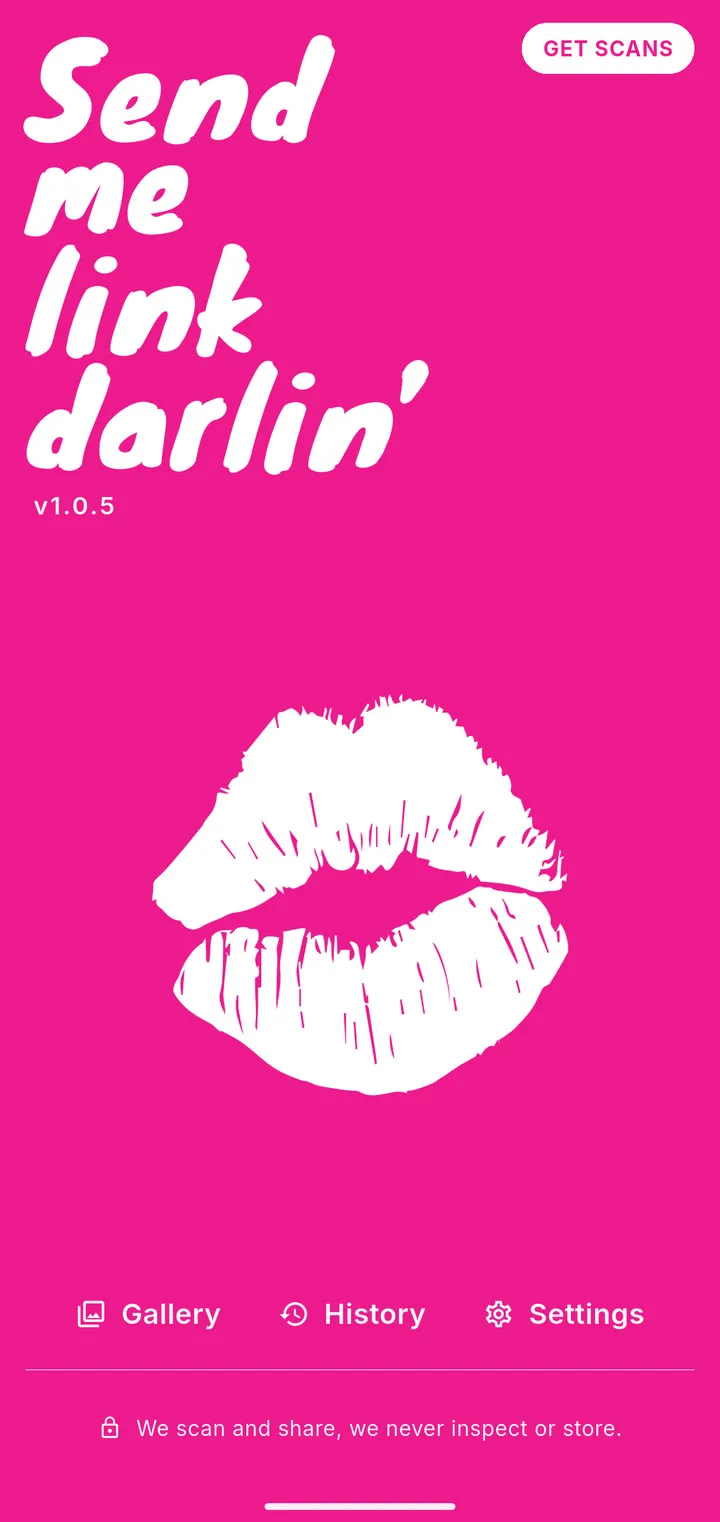
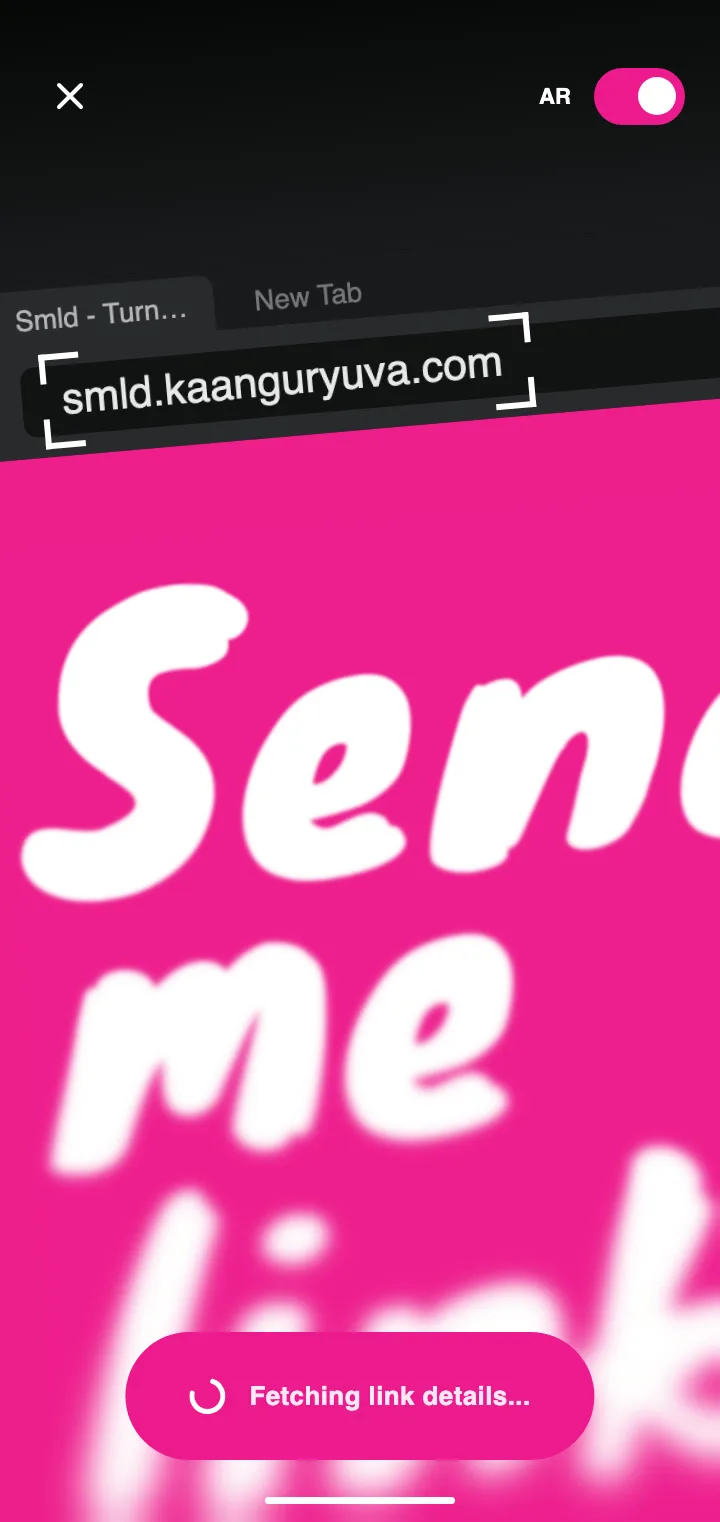
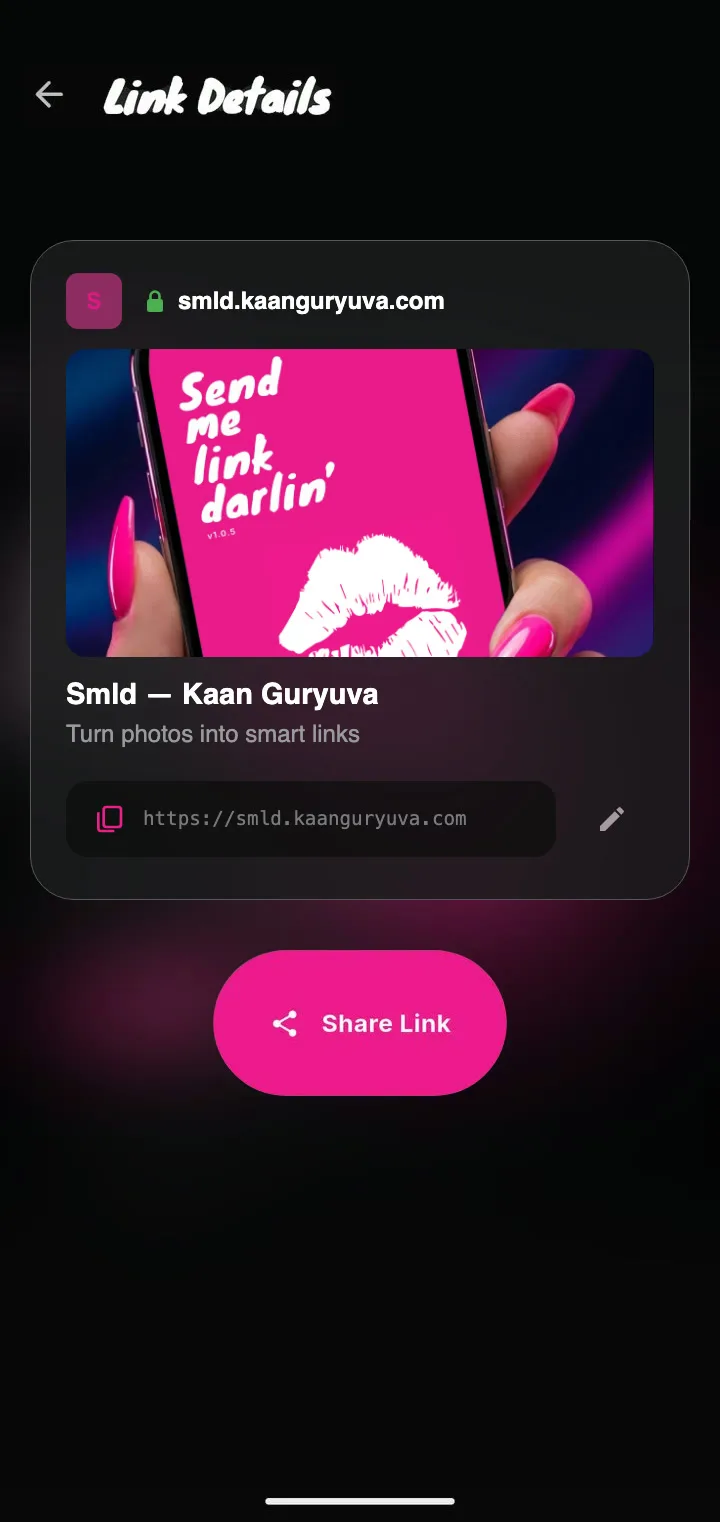
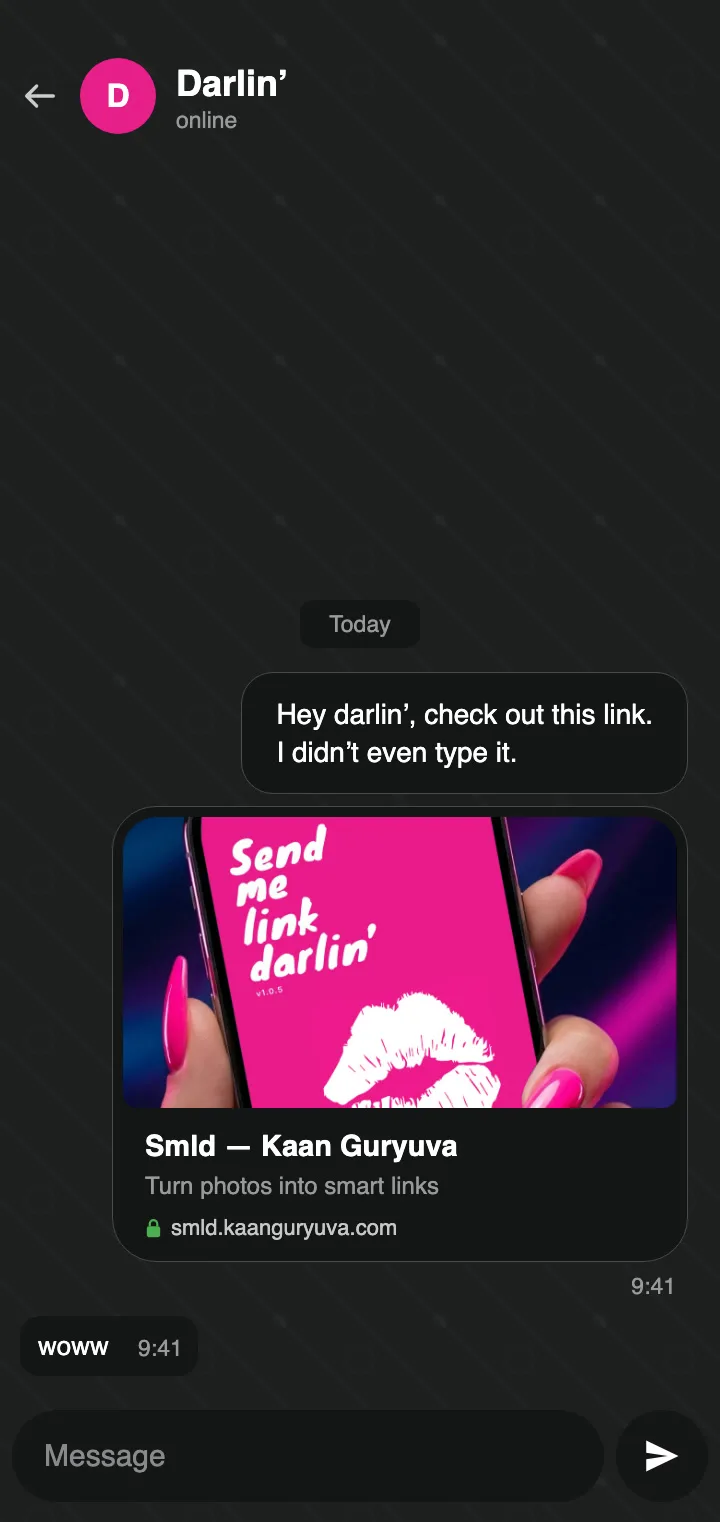
Turn on AR and Smld watches the camera for you, reading it on the phone itself. No shutter to press.
Out of scans? Smld reads the photo on the phone with ML Kit instead of Cloud Vision. It never stops working, it just reads a little less accurately.
Send me link darlin’ was a mailing list from our university days. Whenever someone found a link they liked, they emailed it to the group and everyone got it. That is where the name comes from, and the inspiration too: Smld is a small tribute to those days.